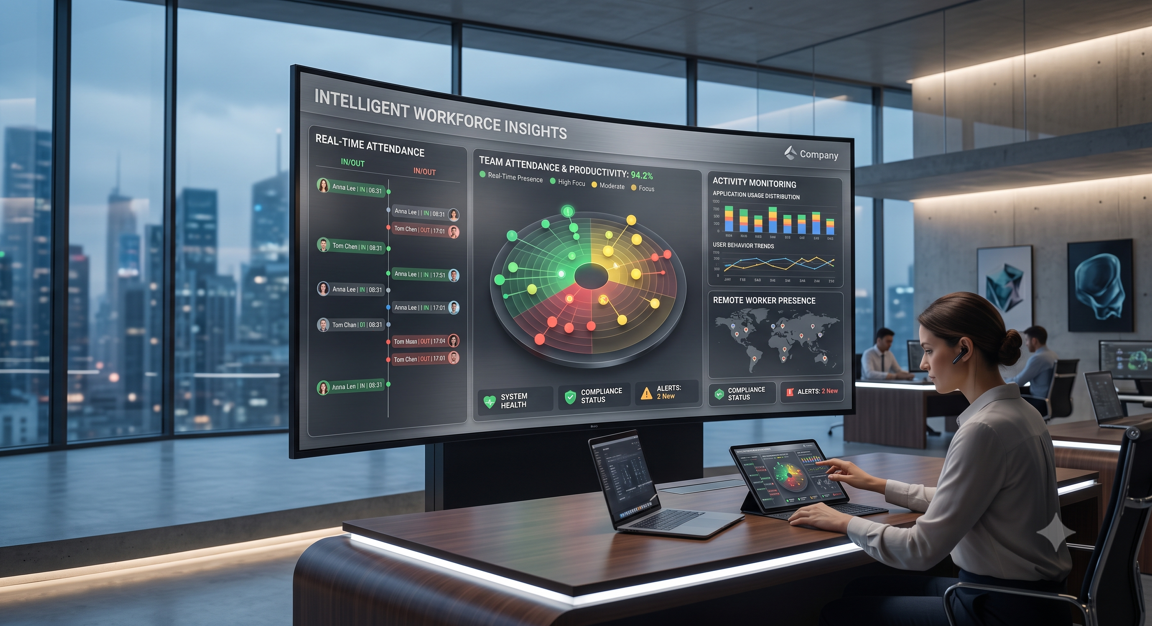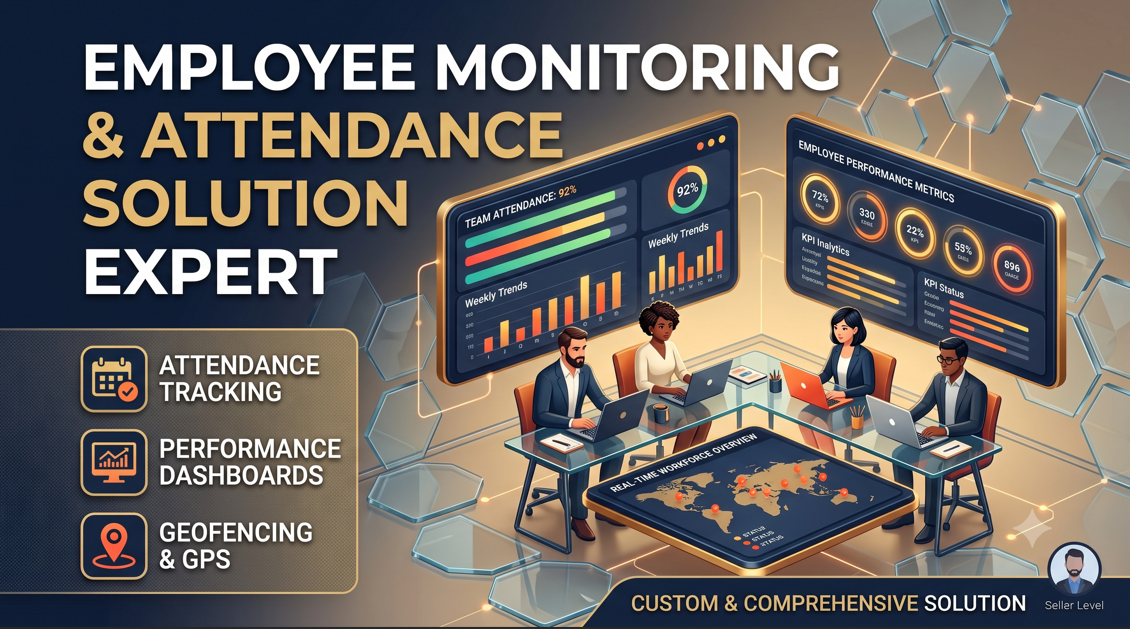
Managing a fully remote or hybrid team comes with a unique set of management challenges. As a founder or operational manager, you don't care about seeing someone's chair every second—you care about productivity, accurate billing, and ensuring project timelines don't slip.
When off-the-shelf tracking tools feel creepy, invasive, and cause your best talent to burn out, it's a clear sign you need a different approach.
Instead of deploying heavy, micromanaging software that tracks every random wiggle of a mouse, smart companies are shifting toward building focused, transparent internal tools. Here is how to design an employee monitoring system that actually protects your productivity without shattering team trust.
Why Generic Monitoring Software Backfires
Most standard SaaS tracking tools focus on the wrong metrics. They log keystrokes, take random webcam snapshots, or track active window percentages. This creates two massive problems:
- It rewards fake activity: Employees quickly learn how to game the system using mouse jigglers or keeping useless tabs open just to keep their "activity score" green.
- It destroys trust: High-performing developers, designers, and managers hate feeling watched. If you treat adults like children, your top talent will leave for companies that respect their autonomy.
True productivity isn't about staring at a screen for a set block of consecutive hours; it's about output, hitting milestones, and keeping operational data accurate.
Shifting from Surveillance to Transparent Internal Tools
If you are looking to build a custom internal web application to track remote team progress, flip the script. Don't build a surveillance camera—build a dashboard that helps your team show off their results.
A modern, high-performing internal business tool should focus on clear structural metrics:
1. Activity-Driven Time Tracking
Instead of background spying, give your team a clean, responsive UI with clear project toggle switches. When a developer starts a task, they click "Start." When they sync their code or complete a design checklist, the time log pairs directly with that specific project milestone.
2. Milestone & Output Metrics
Build your platform to track actual project progress. Tie the application to automated developer actions (like GitHub commits, completed Figma boards, or closed support tickets). This gives management real-time visibility into what is actually getting shipped without needing invasive software scripts.
3. Secure, Client-Ready Data
If you run an agency or manage independent freelance contractors, your tracking system needs to generate flawless, transparent logs. Building an automated system that packages clean PDF billing statements directly from verified project hours makes client invoicing seamless and completely friction-free.
How to Build It Fast with Remote Talent
If you are ready to move away from rigid third-party software subscriptions that your team hates, building a custom internal workspace is simpler than it looks.
- Map Out Your Exact Workflows: Write down the exact metrics that actually matter to your business bottom line (e.g., project hours, task completions).
- Hire Specialized Freelancers: You don't need a massive agency budget. Independent developers who specialize in custom SaaS features and database architecture can build, test, and deploy your custom portal safely and securely.
Want to build a tailored internal application for your company? On RemoteLancers.com, you can connect directly with experienced freelance full-stack developers, UI/UX designers, and software engineers. Post your project scope today, review portfolios, and hire the exact talent you need to build clean, custom business solutions.