How Modern ERP Systems Integrate Business Operations, Data, and Workflow Automation
Enterprise Resource Planning (ERP) systems have evolved from simple accounting and inventory applications into integrated platforms that connect multiple business functions through a centralized information system. Modern ERP software can bring sales, purchasing, inventory, finance, human resources, and operational workflows together while providing users with consistent and accessible business data.
The technical value of an ERP system is not simply the number of modules it contains. Its real value comes from how those modules communicate, share data, enforce business rules, and automate processes.
What Is an ERP System?
An ERP system is a centralized software platform designed to manage interconnected business processes through shared data and application services.
Common ERP modules include:
- Finance and accounting
- Sales management
- Customer management
- Procurement
- Inventory management
- Warehouse management
- Human resources
- Employee management
- Project management
- Reporting and analytics
These modules should not function as completely independent applications. Instead, they should exchange information through a controlled architecture.
For example, when a customer places an order, the ERP system may need to verify inventory, reserve stock, generate a warehouse request, update the order status, create an invoice, and record the financial transaction.
This type of integration eliminates the need for multiple departments to manually enter the same information.
Centralized Data Architecture
One of the major technical advantages of ERP software is centralized data management.
Organizations that rely on separate spreadsheets and standalone applications often encounter problems such as duplicate records, inconsistent information, manual reconciliation, delayed reporting, and data-entry errors.
A centralized database allows different modules to reference common master data.
For example, a product master record may contain:
- Product code
- Product name
- Category
- Unit of measurement
- Purchase price
- Selling price
- Tax information
- Minimum stock level
- Warehouse information
The sales, purchasing, inventory, and reporting modules can then reference the same product record instead of maintaining separate copies.
ERP Workflow Automation
Workflow automation is another important component of modern ERP architecture.
A manual procurement process might look like:
Purchase Request ? Manager Approval ? Purchase Order ? Goods Receipt ? Invoice ? Payment
An ERP system can convert this process into a controlled digital workflow.
When a purchase request is submitted, the system can automatically determine the required approval level, notify the appropriate manager, record the approval, and move the transaction to the next stage.
This can reduce manual communication and create a complete audit trail containing information such as:
- User who performed the action
- Date and time
- Previous status
- New status
- Approval information
- Transaction reference
Database Architecture
ERP systems process large numbers of interconnected transactions, making database architecture particularly important.
Relational databases such as MySQL or PostgreSQL are commonly suitable for structured ERP data.
A typical database may contain entities such as:
- Users
- Roles
- Permissions
- Customers
- Suppliers
- Products
- Warehouses
- Purchase orders
- Purchase order items
- Sales orders
- Sales order items
- Inventory transactions
- Payments
Relationships between these entities allow the system to maintain data consistency.
For example, a sales order can contain multiple order items, while each item references a specific product in the product master.
Inventory and Transaction Management
Inventory is one of the areas where ERP integration becomes particularly important.
A robust ERP system should not simply store the current stock quantity. It should maintain a history of inventory transactions.
These transactions may include:
- Purchases
- Sales
- Returns
- Warehouse transfers
- Stock adjustments
- Damaged goods
- Stock reservations
The available quantity can then be calculated from transaction history.
A simplified calculation is:
Opening Stock + Purchases + Returns ? Sales ? Outgoing Transfers ± Adjustments = Current Stock
Maintaining transaction-level records improves traceability and makes it easier to investigate discrepancies.
API Integration
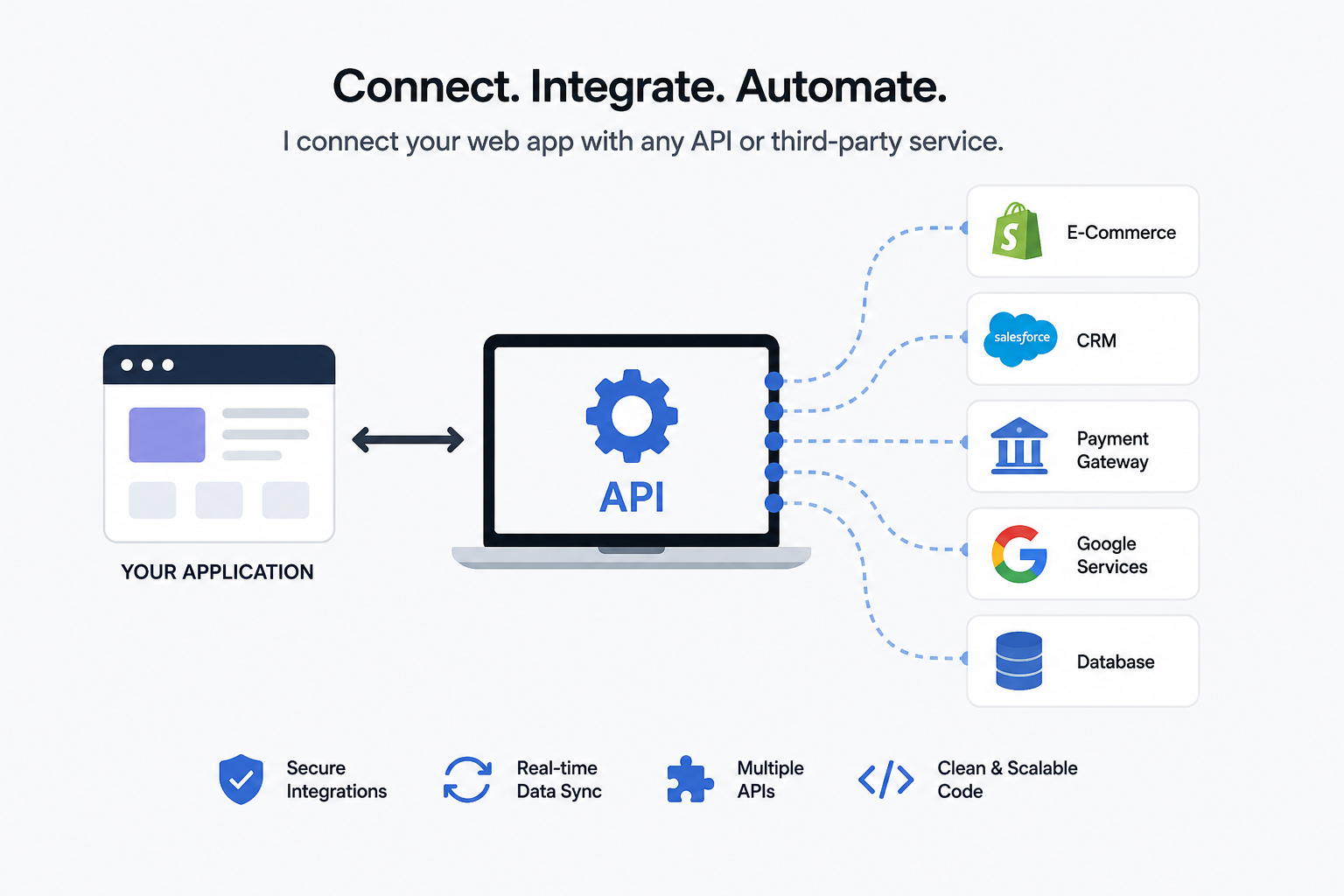
Modern ERP systems often need to communicate with external applications.
REST APIs can provide controlled communication between the ERP platform and external services.
For example, an ERP API may provide endpoints for:
- Retrieving products
- Creating sales orders
- Updating customer information
- Checking inventory
- Creating purchase orders
- Processing warehouse transfers
External integrations can connect an ERP platform with:
- E-commerce websites
- Payment gateways
- Mobile applications
- Shipping systems
- CRM platforms
- Accounting software
API authentication and authorization must be implemented carefully to protect sensitive business information.
Role-Based Access Control
ERP systems contain sensitive operational and financial data, so access control should be part of the architecture from the beginning.
Role-Based Access Control (RBAC) allows administrators to assign permissions based on job responsibilities.
For example:
Warehouse User
- View inventory
- Create stock movements
- Process goods receipts
Sales User
- Manage customers
- Create quotations
- Create sales orders
Finance User
- Manage invoices
- Record payments
- Access financial reports
Administrator
- Manage users
- Configure system settings
- Manage permissions
This approach prevents users from accessing functions that are outside their responsibilities.
ERP Reporting and Dashboards
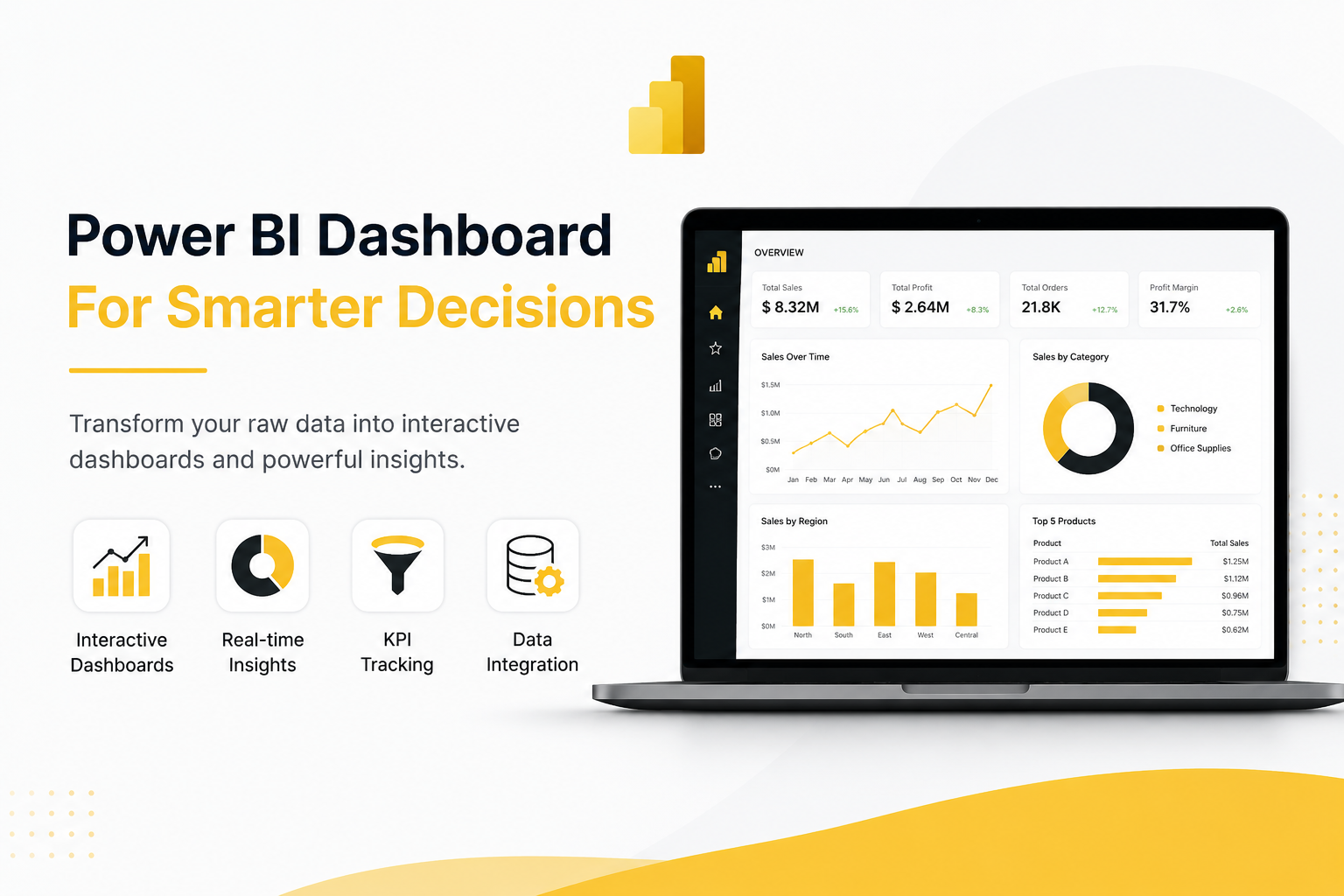
Centralized ERP data can also support real-time reporting and business dashboards.
Common reports include:
- Sales reports
- Purchase reports
- Inventory reports
- Low-stock reports
- Customer reports
- Supplier reports
- Payment reports
- Employee reports
Dashboards can provide management with summarized information while allowing users to drill down into individual transactions.
For large datasets, database indexing, optimized queries, caching, and appropriate reporting architecture are important for maintaining performance.
Technology Stack
ERP applications can be developed using different technology stacks depending on project requirements.
A modern web-based ERP may use:
Frontend:
- HTML
- CSS
- JavaScript
- Bootstrap
- React
- Next.js
Backend:
- PHP
- Laravel
- Node.js
- Python
- Django
Database:
- MySQL
- PostgreSQL
Integration:
- REST APIs
- JSON
- AJAX
- Authentication services
The technology stack is only one part of ERP development. Database design, business logic, security, workflow architecture, and scalability are equally important.
ERP Security
Because ERP platforms contain valuable business information, security must be considered at every application layer.
Important security practices include:
- Secure authentication
- Password hashing
- Role-based permissions
- Input validation
- SQL injection protection
- CSRF protection
- API authentication
- Audit logging
- Regular backups
- Disaster recovery procedures
The principle of least privilege should be applied so that each user receives only the permissions required for their role.
Scalability Considerations
ERP systems often grow significantly after implementation. A system designed for a small number of users may eventually need to support hundreds or thousands of users and substantially larger transaction volumes.
Important scalability considerations include:
- Database indexing
- Query optimization
- Caching
- Background processing
- Efficient API design
- File storage architecture
- Load balancing
- Database backup strategies
- Application monitoring
Planning for scalability early can prevent expensive architectural changes later.
Common ERP Development Challenges
ERP development involves more than programming. The development team must understand the organization's operational processes and translate them into reliable software workflows.
Common challenges include:
Complex Business Rules
Different organizations have different approval levels, pricing structures, tax rules, inventory policies, and reporting requirements.
The application should therefore support configurable business rules where appropriate.
Data Migration
Existing business data may be stored across Excel files, legacy applications, and independent databases.
Before importing this information, it may need to be cleaned, standardized, validated, and deduplicated.
System Integration
ERP systems frequently need to communicate with external applications. Poorly designed integrations can create duplicate transactions or synchronization problems.
User Adoption
A technically powerful ERP system can still fail if employees find it difficult to use. Interfaces should therefore be designed around actual business workflows.
Best Practices for ERP Development
A reliable ERP implementation should follow several principles:
- Design around business processes rather than individual screens.
- Build a normalized and scalable database structure.
- Keep functional modules logically separated.
- Implement role-based access control.
- Maintain transaction and audit histories.
- Automate repetitive workflows.
- Use authenticated APIs for external integrations.
- Validate and clean data before migration.
- Optimize database queries and indexes.
- Plan for future scalability.
Conclusion
Modern ERP systems are designed to connect business operations through centralized data, integrated modules, and automated workflows. The objective is not simply to create separate applications for sales, purchasing, inventory, finance, or employee management. The real benefit comes from connecting these functions through a reliable technical architecture.
For organizations developing a new ERP system or upgrading an existing platform, successful implementation depends on understanding business processes, designing a strong database architecture, implementing appropriate security controls, and building scalable integrations.